 NexAIX-官方博客
How to Choose Among the Three Models
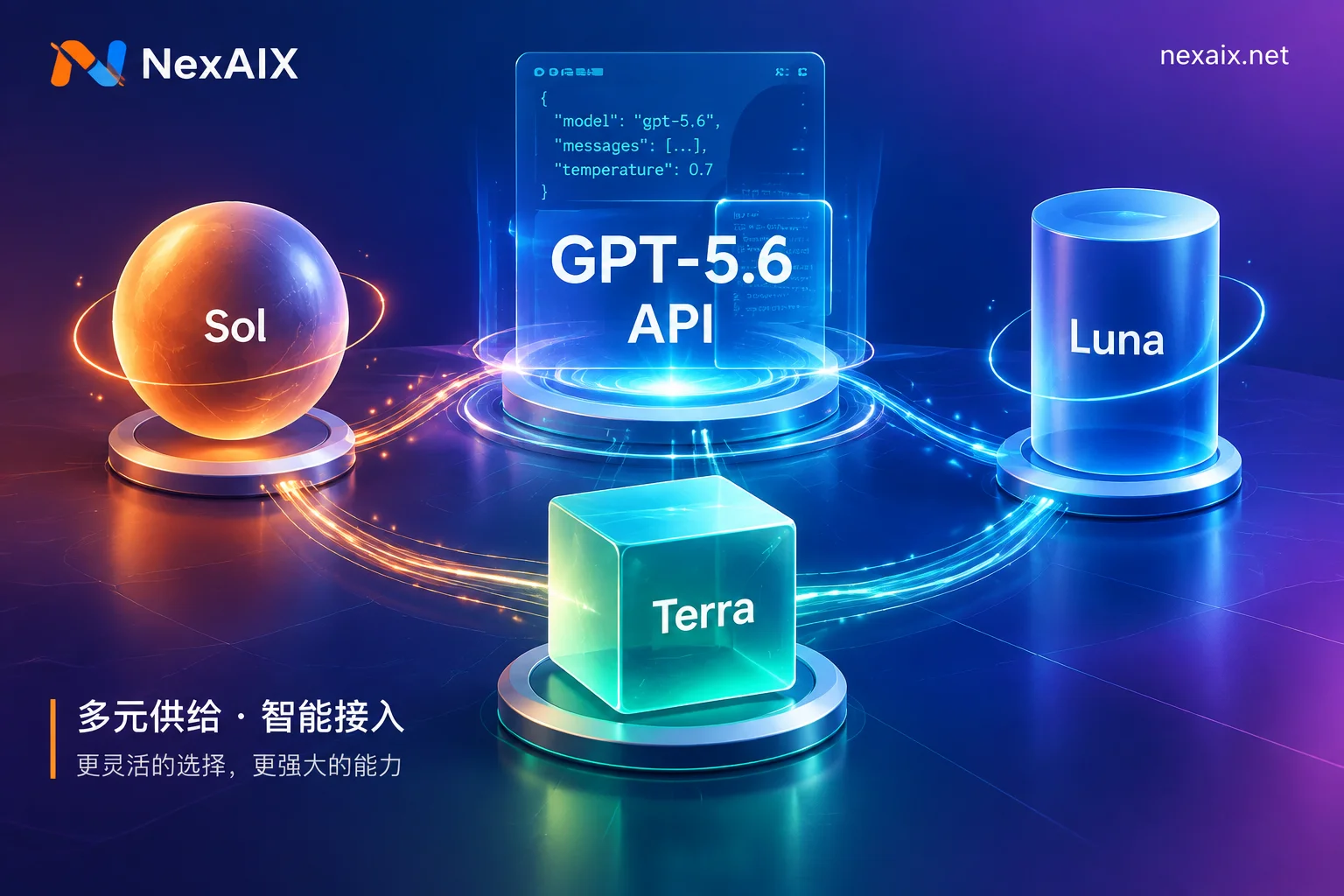
The GPT-5.6 family includes three main models, and the API alias gpt-5.6 defaults to routing to Sol.
GPT-5.6 Sol: The flagship model for complex logical reasoning, multi-step code generation, cybersecurity analysis, and scientific research tasks. If your application needs to handle multi-layered dependencies, generate complete project structures, or perform deep technical analysis, choose Sol.
GPT-5.6 Terra: The workhorse for production environments, balancing response quality, latency, and cost. For most business conversations, document generation, and routine code assistance scenarios, Terra is sufficient.
GPT-5.6 Luna: Designed for high-concurrency, cost-sensitive lightweight tasks, equivalent to a nano positioning. Suitable for format conversion, simple classification, batch summarization, and other high-throughput scenarios.
All three models come standard with a 1,050,000 tokens (approximately 1.05 million) input context window and a maximum 128,000 tokens output limit. If your application needs to process an entire code repository or long document in one go, this window is adequate; however, note that when a single request input exceeds 272K tokens, OpenAI's billing and resource consumption will escalate in tiers, so production environments should have slicing and caching strategies in place.
How to Integrate on the Client Side
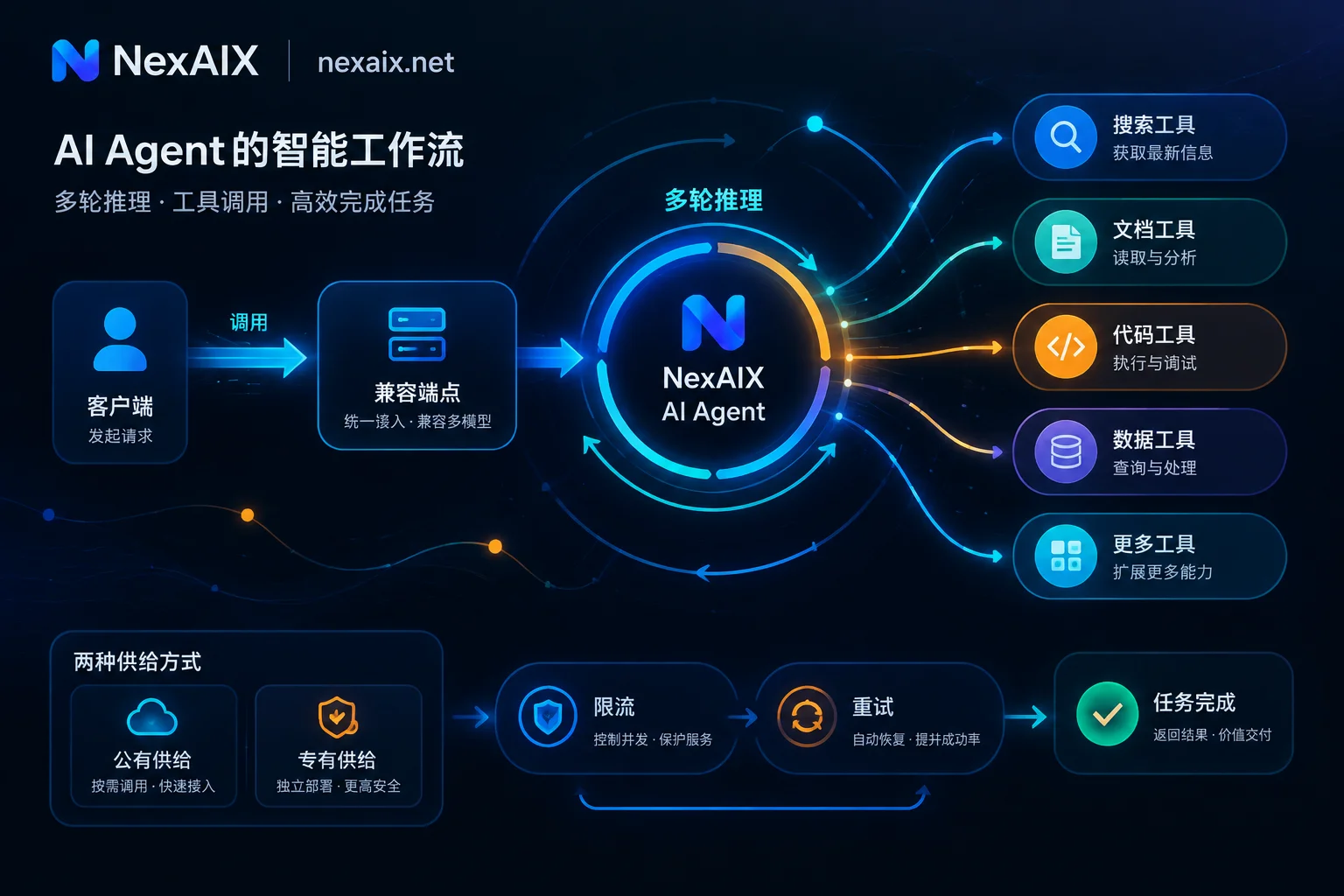
GPT-5.6 is compatible with OpenAI's Chat Completions and Responses API specifications, supporting Structured Outputs, tool calling, code interpreter, and file retrieval.
If you are already using the OpenAI SDK or a compatible client, migration only requires changing two lines:
from openai import OpenAI

client = OpenAI(
    base_url="https://api.nexaix.net/v1",  # 改为中转端点
    api_key="your-nexaix-key"              # 替换 API Key
)

response = client.chat.completions.create(
    model="gpt-5.6-sol",  # 或 gpt-5.6-terra、gpt-5.6-luna
    messages=[{"role": "user", "content": "解释 Rust 的生命周期"}]
)
Other language clients (Node.js, Java, Go) follow the same principle; only base_url and api_key need to be changed. If you are using LangChain or LlamaIndex frameworks, simply pass these two parameters when initializing the ChatOpenAI or OpenAI class.
To verify that the integration is working, check whether the model field in the returned object matches the request, and examine whether the token count in usage is reasonable.
How to Configure reasoning.effort
GPT-5.6 continues to offer explicit reasoning control, adjusting the depth of thinking via the reasoning.effort parameter. Six levels are supported: none, low, medium (default), high, xhigh, max.
When to lower: For regular conversations, format conversion, and simple classification tasks, set to none or low to reduce time-to-first-token (TTFT) and computational overhead.
When to raise: For multi-step code generation, complex architecture design, and analysis tasks requiring multiple rounds of verification, set to high or higher. For extreme scenarios like security audits or mathematical proofs, max can be used.
Example:
response = client.chat.completions.create(
    model="gpt-5.6-sol",
    messages=[{"role": "user", "content": "设计一个分布式任务调度系统"}],
    reasoning={"effort": "high"}  # 启用深度推理
)
In production, it is recommended to group by task type and use different reasoning.effort presets. For latency-sensitive real-time conversations, lock to low; for background analysis tasks, relax to high.
How to Handle Long Contexts
GPT-5.6's 1.05 million token window is sufficient to hold large codebases or long documents, but billing escalates in tiers when a single request exceeds 272K tokens. If your application frequently handles ultra-long contexts, consider the following strategies:
- Chunked indexing: Build a vector index for code repositories or document collections, retrieve relevant snippets based on the user's question, and concatenate them into the prompt rather than passing everything at once.
- Session caching: For multi-turn conversations, reuse the already-processed context prefix to avoid redundant transmission.
- Structured extraction: Use Structured Outputs to predefine output formats, reducing token waste caused by the model's free-form generation.
If your intermediary channel has implicit truncation or precision reduction for long contexts, you can verify by sending a test prompt exceeding 128K to see if it errors out. A normal channel should return a clear context_length_exceeded error when exceeding the window limit, rather than silently truncating.
How to Handle Rate Limiting and Latency
Production environments commonly face two bottlenecks: concurrency rate limiting (429 errors) and timeouts caused by long reasoning.
Rate limiting handling: OpenAI and intermediary channels typically limit by RPM (requests per minute) and TPM (tokens per minute). When encountering a 429, check the retry-after field in the response headers and retry with backoff according to the indicated time. If you are using NexAIX, each Key's quota and rate limits are transparent and isolated per Key; you can adjust quotas in advance or split multiple Keys for load distribution based on business peaks.
Time-to-first-token: When reasoning.effort is set to high or higher, time-to-first-token (TTFT) increases significantly. For real-time interactive scenarios, use low or medium; for offline analysis tasks, extend the client timeout and enable streaming output to avoid single-wait timeouts.
Timeout truncation: If your application sets max_output_tokens too low, the model may be truncated mid-reasoning. Check the finish_reason field in the returned object: length indicates reaching the output limit, stop indicates natural completion. For tasks requiring a complete chain of thought, set max_output_tokens close to the 128K upper limit.
How to Verify a Channel Has Not Been Downgraded
Intermediary channels pose three common downgrade risks: swapping in a smaller model, cutting the context window, and reducing reasoning precision.
Verify the model has not been replaced: Check whether the model field in the returned object matches the request. For channels claiming to offer GPT-5.6 Sol, send a task requiring deep reasoning (such as multi-step mathematical proofs or complex code refactoring) and check whether the output includes a complete chain of thought and intermediate steps.
Verify the context has not been truncated: Construct a test prompt exceeding 200K tokens (you can use repeated text or a long code file). A normal channel should return an context_length_exceeded error when exceeding the 1.05M window. If the channel silently truncates or errors earlier, the actual window has been cut.
Verify reasoning precision has not been degraded: Compare against the official benchmark results of GPT-5.6 in the documentation and test the output quality returned by the channel with the same tasks. If the output is noticeably below expectations, or the reasoning.effort parameter doesn't take effect, precision degradation may be occurring.
NexAIX provides four public commitments and verification methods: open-source models deployed on their own compute, closed-source models through official authorized channels, no recording of conversation content, no downgrading or window cutting. Each model page indicates the supply method, which can be verified against official specifications.
What to Do Next
After selecting a model, visit the NexAIX model page to check the real-time supply status and billing specifications for each GPT-5.6 variant, then refer to the official documentation to obtain an API Key and complete the integration configuration. If you need to handle high-concurrency rate limiting or configure streaming output, refer to How to Handle AI API Rate Limiting and How to Integrate Streaming Output API.


Comments(0)